




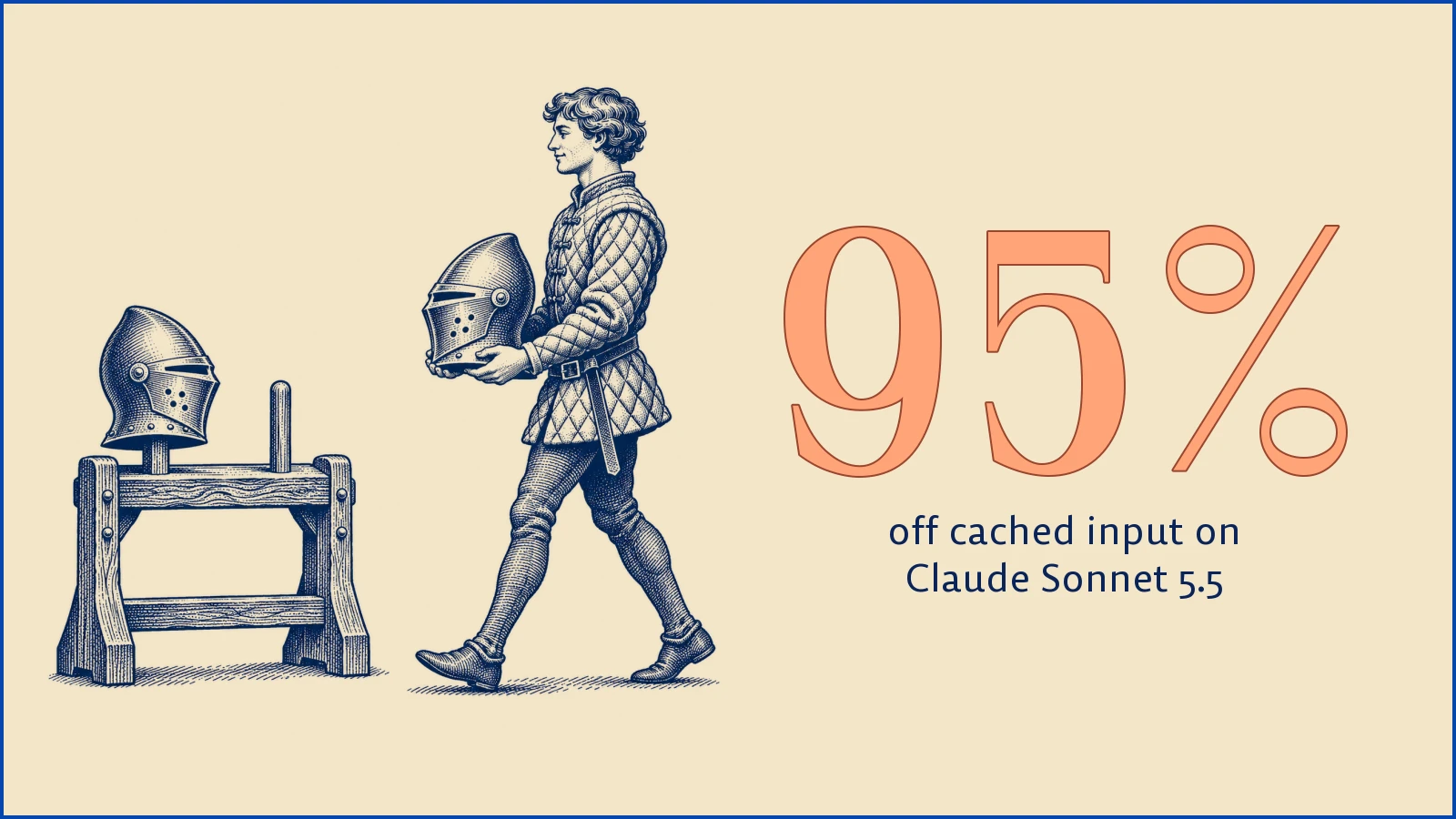
Claude prompt caching saves the repeated start of your prompt (tools, system prompt, reference documents) so later requests read it back for a fraction of the input price. On Claude Sonnet 5.5 a cache read costs $0.10 per million tokens against $2 for fresh input, a 95% discount. The first write costs 25% more than normal input.
Prices checked on November 27, 2026, from Anthropic's pricing page.
Caching takes one field in the request and leaves the answers unchanged, so try it first on any feature with a long, repeated prompt. It sits next to model choice and batching in our guide to cutting LLM costs.
How Claude prompt caching works
Prompt caching is a discount on repeated input. The provider keeps the processed form of a prompt prefix it saw recently, and when your next request starts with the same tokens, it bills them at a cache-read rate. You pay less, and the response starts sooner.
On the Claude API you turn caching on with the cache_control field. Anthropic's prompt caching docs describe two ways to use it:
- Automatic caching: add one top-level cache_control field set to {"type": "ephemeral"}. The API puts the breakpoint on the last cacheable block and moves it forward as a conversation grows.
- Explicit breakpoints: put cache_control on the content blocks you choose, up to 4 per request.
A breakpoint caches everything before it, in a fixed order: tools, then system, then messages. A hit needs the prefix to match 100% up to the breakpoint, so one changed character early in the prompt turns every request into a fresh write.
{
  "model": "claude-sonnet-5-5",
  "max_tokens": 1024,
  "system": [
    {
      "type": "text",
      "text": "Support instructions and help articles (8,000 tokens)",
      "cache_control": {"type": "ephemeral"}
    }
  ],
  "messages": [
    {"role": "user", "content": "How do I export last month's invoices?"}
  ]
}
How long the cache lasts
The default lifetime is 5 minutes, and each hit refreshes it at no extra cost. Anthropic counts the lifetime from the start of the request that wrote or read the entry, so a response that takes 2 minutes to generate leaves 3 minutes for the next request to hit. Add "ttl": "1h" inside cache_control for a 1-hour lifetime, which costs more to write.
Minimum prompt length and supported models
Every active Claude model supports prompt caching. The shortest prefix you can cache depends on the model:
- 512 tokens: Claude Fable 5.2, Opus 5.5, Sonnet 5.5, Haiku 5.5 and Opus 5.
- 1,024 tokens: Sonnet 5, Opus 4.8, Sonnet 4.6 and Sonnet 4.5.
- 2,048 tokens: Opus 4.7.
- 4,096 tokens: Opus 4.6, Opus 4.5 and Haiku 4.5.
Below the minimum, the API processes the request without caching and returns no error. The only sign is in the usage fields of the response.
What Claude prompt caching costs
Anthropic prices caching as multipliers on each model's base input rate. A 5-minute write costs 1.25x, a 1-hour write costs 2x, and a cache read costs 0.1x on most models. The newest models read for less: 0.05x on Opus 5.5 and Sonnet 5.5, and 0.025x on Fable 5.2.
| Model | Base input | 5-min write | 1-hour write | Cache read | Read discount |
|---|---|---|---|---|---|
| Claude Fable 5.2 | $8.00 | $10.00 | $16.00 | $0.20 | 97.5% |
| Claude Opus 5.5 | $4.00 | $5.00 | $8.00 | $0.20 | 95% |
| Claude Sonnet 5.5 | $2.00 | $2.50 | $4.00 | $0.10 | 95% |
| Claude Haiku 5.5 (prompts up to 100K tokens) | $0.10 | $0.125 | $0.20 | $0.01 | 90% |
| Claude Haiku 4.5 | $1.00 | $1.25 | $2.00 | $0.10 | 90% |
Source: Anthropic pricing page, USD per million input tokens, checked November 27, 2026. Caching leaves output prices unchanged.
Caching discounts input only, so output tokens (thinking included) bill at the full rate. The multipliers stack with the Batch API's 50% discount and the 1.1x charge for US-only inference. For each model's base rates, see Claude API cost per token.
When a cache write pays off
A cache write costs more than sending the same prompt uncached, so caching pays off once the reads cover that premium. You can work out the break-even with one line:
reads needed > (write multiplier - 1) / (1 - read multiplier)

5-minute cache, Sonnet 5.5: (1.25 - 1) / (1 - 0.05) = 0.26, so 1 read
1-hour cache, Sonnet 5.5:   (2.00 - 1) / (1 - 0.05) = 1.05, so 2 reads
Anthropic's docs reach the same answer for every model: the 5-minute cache saves money after one read, and the 1-hour cache after two. So caching pays when a second request with the same prefix arrives inside the window.
Example: a support assistant on a $49 plan
Example. A helpdesk product drafts ticket replies with Claude Sonnet 5.5. Each request carries an 8,000-token system prompt (instructions and help articles), a 300-token ticket and a 400-token reply. Northwind, a customer on the $49 plan, sends 1,500 tickets a month.
| One request | Uncached | Cache write | Cache read |
|---|---|---|---|
| System prompt (8,000 tokens) | $0.0160 | $0.0200 | $0.0008 |
| Ticket (300 tokens) | $0.0006 | $0.0006 | $0.0006 |
| Reply (400 tokens) | $0.0040 | $0.0040 | $0.0040 |
| Total per request | $0.0206 | $0.0246 | $0.0054 |
| Northwind, per month | AI cost | Share of $49 | Left after AI |
|---|---|---|---|
| No caching (1,500 requests at $0.0206) | $30.90 | 63% | $18.10 |
| 5-minute cache, 90% hit rate (150 writes, 1,350 reads) | $10.98 | 22% | $38.02 |
Example data. Claude Sonnet 5.5 prices; the 90% hit rate is an assumption.
Caching cuts Northwind's cost by $19.92 a month, or 64%. Input per request falls from $0.0166 to $0.0014 while the reply still costs $0.0040, so output becomes about three quarters of each cached request. At 63% of the plan price, the uncached version leaves little room for payment fees, support and hosting.
The hit rate depends on traffic across your whole workspace, because Anthropic shares a cache entry across one workspace and never across organizations. If every customer gets the same system prompt, other customers keep the entry warm during Northwind's quiet hours. Lancelot flags customers and features that send large prompts without caching ("Prompt caching could cut your AI bill"), so you can see which ones to fix first (Margin intelligence).
When the 1-hour cache is worth it
Pick the 1-hour lifetime when requests with the same prefix arrive 5 to 60 minutes apart, such as an agent waiting on slow tools or a user reading a long answer. Anthropic also suggests it for the Message Batches API, since batches often take between 5 minutes and an hour.
How OpenAI prompt caching and Gemini context caching differ
OpenAI turns caching on by default for supported models, so you get hits without changing code. According to OpenAI's prompt caching guide, GPT-5.6 and later models charge for cache writes much as Claude does, and also accept explicit breakpoints. Earlier OpenAI models charge nothing to write, read at a model-dependent rate, and keep entries in memory for roughly 5 to 10 minutes of inactivity, or up to 24 hours with extended retention.
| Claude (5.5 models) | OpenAI (GPT-5.6 and later) | |
|---|---|---|
| How you turn it on | cache_control field | On by default |
| Minimum prompt | 512 tokens | 1,024 tokens |
| Cache read price | 0.05x (Opus, Sonnet), 0.1x (Haiku) | 0.1x (0.05x on GPT-6.2 Astra, GPT-6.2 Sol, GPT-6.1 Sol, GPT-6.1 Terra) |
| Write price | 1.25x for 5 minutes, 2x for 1 hour | 1.25x for 30 minutes, 2.5x for 12 hours (Responses API) |
| Usage field for hits | cache_read_input_tokens | input_tokens_details.cached_tokens |
Source: Anthropic and OpenAI prompt caching docs, checked November 27, 2026.
"Context caching" is Google's name for the same idea in the Gemini API. Google's caching docs say implicit caching is on by default for Gemini 2.5 and newer, with minimums of 2,048 tokens on Gemini 2.5 and 4,096 tokens on the Gemini 3 and Gemini 4 models it lists. Explicit caching, where you create and manage cache objects yourself, runs through generateContent on supported Gemini 2.5 and 3 models.
"LLM caching" can also mean storing whole responses in your own cache and replaying them for repeat questions. That skips the model call, and it suits only answers that stay the same for everyone.
How to check that Claude prompt caching is working
Read the usage object on each response. Anthropic splits input into three fields that add up to total input:
- input_tokens: tokens after the last breakpoint, billed at the base rate.
- cache_creation_input_tokens: tokens written to the cache on this request. A cache_creation object splits them into ephemeral_5m_input_tokens and ephemeral_1h_input_tokens.
- cache_read_input_tokens: tokens read from the cache.
"usage": {
  "input_tokens": 300,
  "cache_creation_input_tokens": 0,
  "cache_read_input_tokens": 8000,
  "output_tokens": 400
}
That response is one of Northwind's cache hits. If both cache fields read 0 on every request, the API cached nothing: the prefix sits under the minimum, or the request has no breakpoint. Large writes on every request mean something in the prefix changes each time.
Watch one ratio per feature: cache reads divided by total input tokens. Across Northwind's month, reads make up 87% of input, and a drop after a deploy points to a changing value placed in front of the breakpoint. Dashboards that sum input_tokens alone undercount prompts, since that field covers only the part after the last breakpoint.
When prompt caching costs more than it saves
- Gaps longer than the lifetime. If requests with a given prefix arrive more than 5 minutes apart, each one pays the 1.25x write and none reads. Example: Birchline caches its own 8,000-token knowledge base and sends 40 tickets a month, so it costs $0.98 a month cached against $0.82 uncached.
- Prompts under the minimum. On current models that means under 512 tokens. You get no discount and no error.
- A prefix that changes. A timestamp or user name near the top of the system prompt forces a write every time, and editing tool definitions invalidates the whole cache.
- Parallel bursts. A cache entry becomes readable only after the first response starts, so 20 requests fired at once all write. Send one, wait for it to start streaming, then send the rest.
- Output-heavy features. A feature that turns a 600-token prompt into a 3,000-token report gets almost nothing from caching. Model choice moves that bill; see Claude Haiku vs Sonnet.
Questions about Claude prompt caching
Does Claude cache prompts automatically?
Only when you ask it to. Add one top-level cache_control field and the API places and moves the breakpoint for you, or put cache_control on specific blocks. OpenAI caches prompts on supported models by default, with no code change.
How long does the Claude prompt cache last?
Five minutes by default, refreshed at no cost each time a request reads it. Set the ttl to 1h for a 1-hour cache, which costs 2x the base input price to write.
What is the minimum prompt length for Claude prompt caching?
512 tokens on Claude Fable 5.2, Opus 5.5, Sonnet 5.5 and Haiku 5.5. Older models need 1,024 to 4,096 tokens. Shorter prompts run without caching and return no error, so check the cache fields in the usage object.
How much does prompt caching save on Claude?
Cache reads cost 90% to 97.5% less than fresh input, depending on the model. In the Sonnet 5.5 example, a support customer's monthly cost fell from $30.90 to $10.98, a 64% cut. Output tokens keep their full price.
Is the prompt cache shared between my customers?
Yes, within one workspace, when their prompts share an identical prefix. Anthropic never shares caches across organizations. Put instructions that every customer gets first and customer-specific data after the breakpoint, so one cache entry serves all of them.
What is the difference between prompt caching and context caching?
They are the same idea under different vendor names. Anthropic and OpenAI call it prompt caching; Google calls it context caching in the Gemini API, where implicit caching is on by default for Gemini 2.5 and newer models.
Does prompt caching change Claude's answers?
No. Anthropic's docs say caching has no effect on output token generation. The model receives the same prompt and produces the same kind of response, and you pay less for the input and wait less for the first token.
Caching is one lever on the input side of the bill, and model routing, batching and shorter prompts are the others. Our guide to cutting LLM costs covers all of them for products that resell AI.