Lancelot’s SDK counts each customer’s AI calls and spend, and stops anyone who passes your limits.

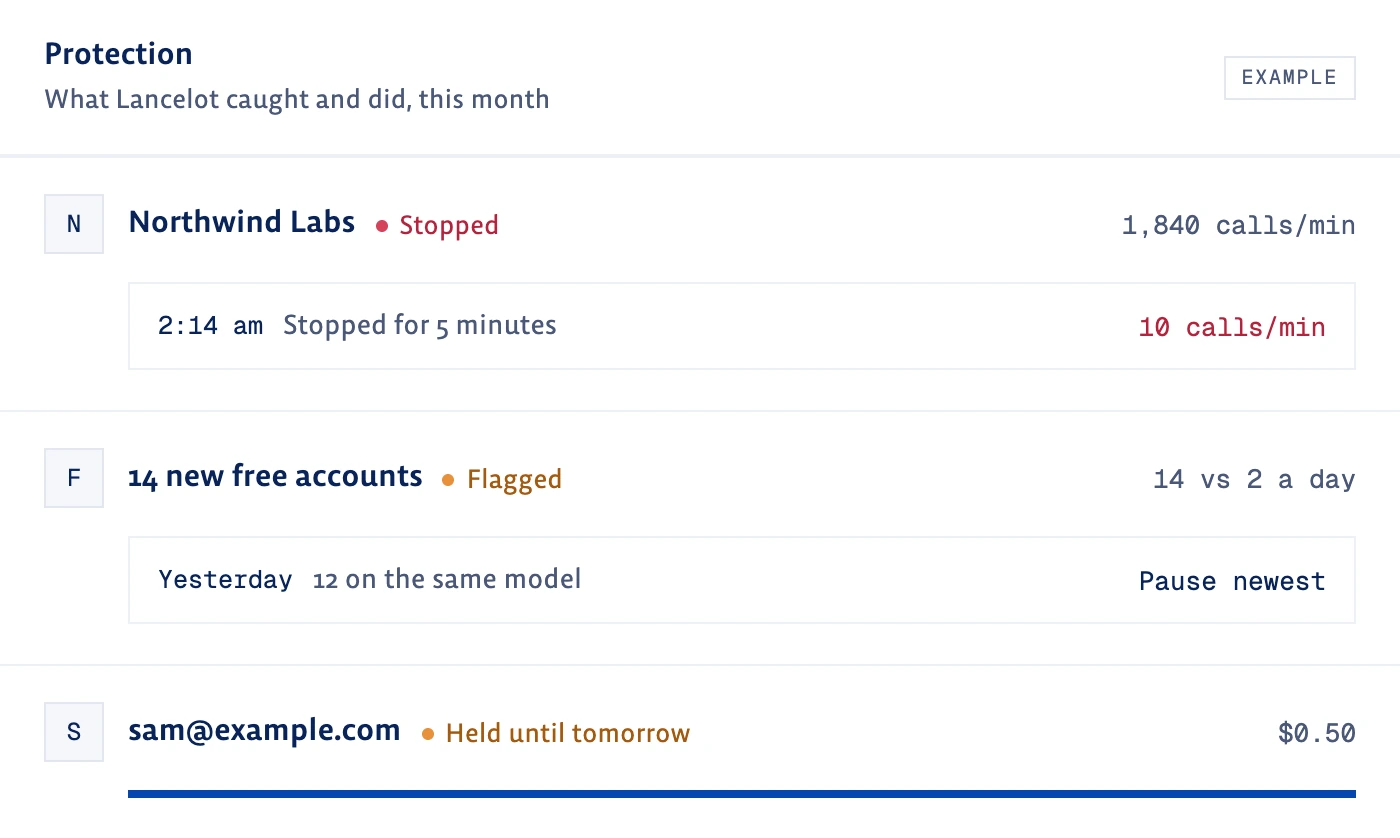
calls a minute per customer before the emergency stop.
in 5 minutes is the default spend limit per customer.
minutes of cooldown after a stop, adjustable up to 24 hours.
minute or less before you hear about a stop.
spent by one looping agent in this example, on a $49 plan.

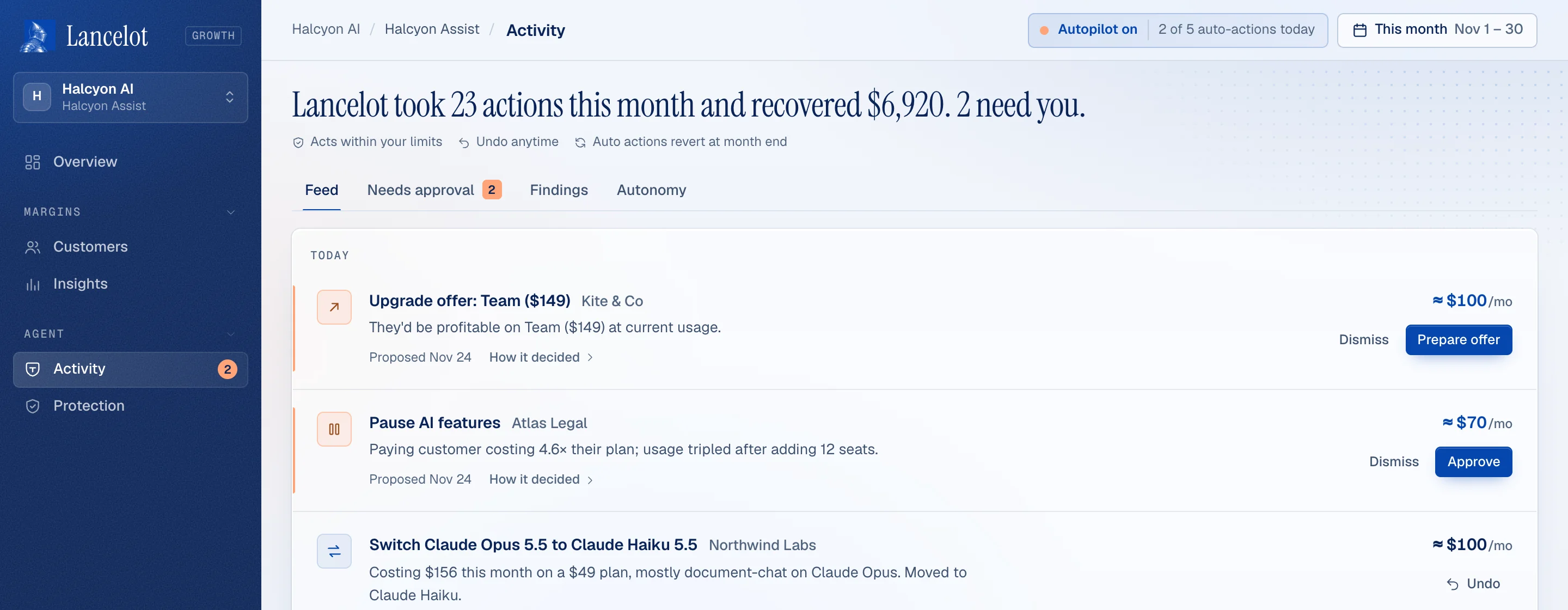
Lancelot proposes a lasting fix, and you approve it from the app, Slack or email.
enableFlags: true in Node, or enable_flags=True in Python.
If Lancelot can’t be reached, your calls keep working. Limits already set still apply.
The agent’s limits lift at the start of next month, or the moment you undo them.
600 a minute by default. Set it anywhere from 10 to 100,000.
$50 in 5 minutes by default.
5 minutes by default, from 1 minute to 24 hours.
On by default, for each product. Developers can override it in code.
Each paying customer gets an hourly cap equal to their monthly plan price from Stripe or RevenueCat. Nobody has to set it.
Don’t count toward a spend limit. The calls-per-minute limit still applies.
More than 50 calls in 10 minutes from one customer, on the same feature and model, with prompt sizes within 10% of each other.
Over 10 times a customer’s usual hourly calls and over 100 calls in the last hour. Or yesterday cost over 3 times their two-week median, and over $5.
A customer whose first call was in the last 48 hours has already spent more than 95% of your paying customers spend in a month.
More than 10 new free accounts in 24 hours, and over 5 times your usual daily number.
These last two checks start after 7 days of usage. New-account spikes also need 5 paying customers to compare against.
Limits the customer to 10 calls a minute.
Stops their AI calls.
Holds them to a daily budget.
Moves them to a cheaper model you’ve approved.
Lancelot never pauses one without your approval.
Always stays a suggestion.
Lancelot acts without asking on Growth and higher. On Founder, you approve each fix with one click.
The SDK throws LancelotBlockedError before the call reaches the provider, so it costs nothing. Catch it and show your own message.
The SDK picks up throttles, pauses, model switches and budgets once a minute.
Each server process keeps its own counts, so across servers a limit is approximate. The hourly checks catch what slips between them.
Through OpenRouter or Helicone, Lancelot still detects every pattern and suggests fixes. Stopping, throttling and budgets run in your app, so they need the SDK.
No. The stop and budgets run inside your app with no network call on the way to the model. The SDK checks a few in-memory counters per customer and either lets the call through or stops it.
Every call goes through. The SDK fails open: it keeps the last limits and decisions it received and never blocks your product because Lancelot can’t be reached. Usage data waits in a queue of up to 10,000 calls and is sent when the connection returns.
600 calls a minute or $50 in 5 minutes per customer, with a 5-minute cooldown. Paying customers also can’t spend their monthly plan price within one hour. You can change the numbers or turn the stop off on the Protection page.
Whatever you choose. The SDK throws LancelotBlockedError with a reason (paused, throttled, runaway or budget) before the call reaches the provider. Catch it and show your own message, such as an upgrade prompt.
Not without your approval. Lancelot can throttle or cap a customer automatically on Growth and higher plans, but pausing a paying customer always waits for you. Every limit can be undone and lifts by itself at the start of next month.
It looks for more than 50 calls in 10 minutes from one customer on the same feature and model, with prompt sizes within 10% of each other. It compares token counts, never prompts, so nothing your users type is stored.
Set a daily AI budget for free users, and the SDK stops anyone who reaches it. Lancelot also flags unusual waves of new free sign-ups and suggests pausing the newest accounts or tightening the free plan.
It covers the cost side. Denial of wallet means someone runs up your AI bill on purpose, with a script, a loop or a farm of free accounts. Lancelot caps what any one customer can spend and flags new-account spikes and free-tier farming. It doesn’t inspect prompts or block prompt attacks.
Provider limits apply to your whole account and protect the provider. Lancelot’s limits apply to each of your customers, in dollars as well as calls, so one customer can’t use up your capacity or your margin.
No. The emergency stop and budgets run inside your app through the SDK, so there’s no proxy between your app and the provider. If you already use OpenRouter or Helicone, Lancelot imports those calls for detection, and enforcement still needs the SDK.
Partly. Lancelot detects every abuse pattern in imported calls and suggests fixes. Stopping, throttling and budgets run inside your app, so they need the Lancelot SDK.
Node (@lancelotwatch/node) and Python (lancelotwatch). Both include the emergency stop, budgets, throttle and pause, and wrap the official OpenAI and Anthropic clients. Protection turns on with one option: enableFlags in Node, enable_flags in Python.